Category: Blog
-
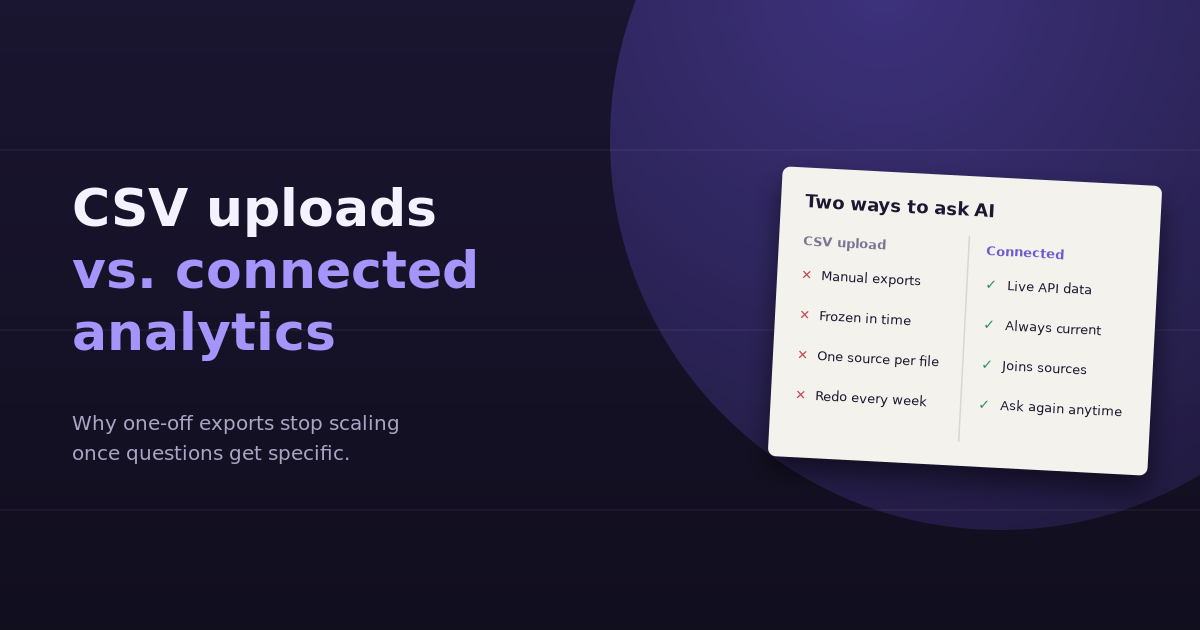
The first time you upload a CSV to ChatGPT and ask it to find the problem in your campaign data, it feels like a breakthrough. It sorts, calculates, charts, and explains in seconds. The tenth time, when you’re exporting the same three reports again because the question changed slightly, it feels like a chore. That’s…
-
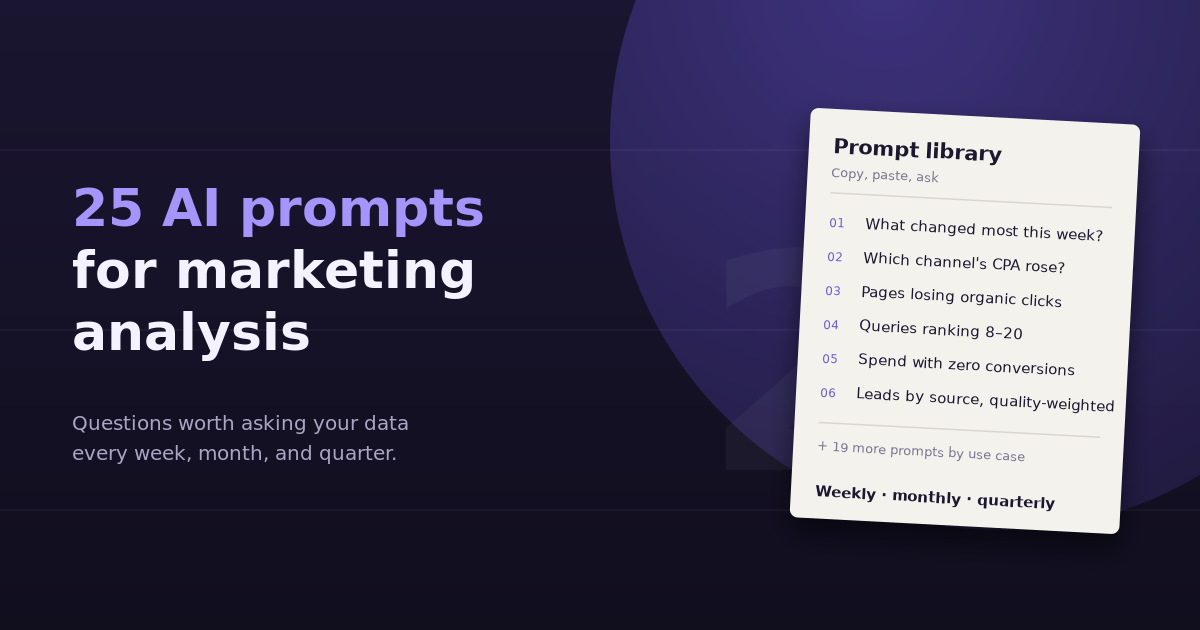
The difference between a useless AI answer and a useful one is almost always the question. “Analyze my marketing” gets a generic summary. “Which channel’s cost per lead rose most last month, and what drove it?” gets a ranking, a cause, and a next step. These AI prompts for marketing analysis are written to get…
-
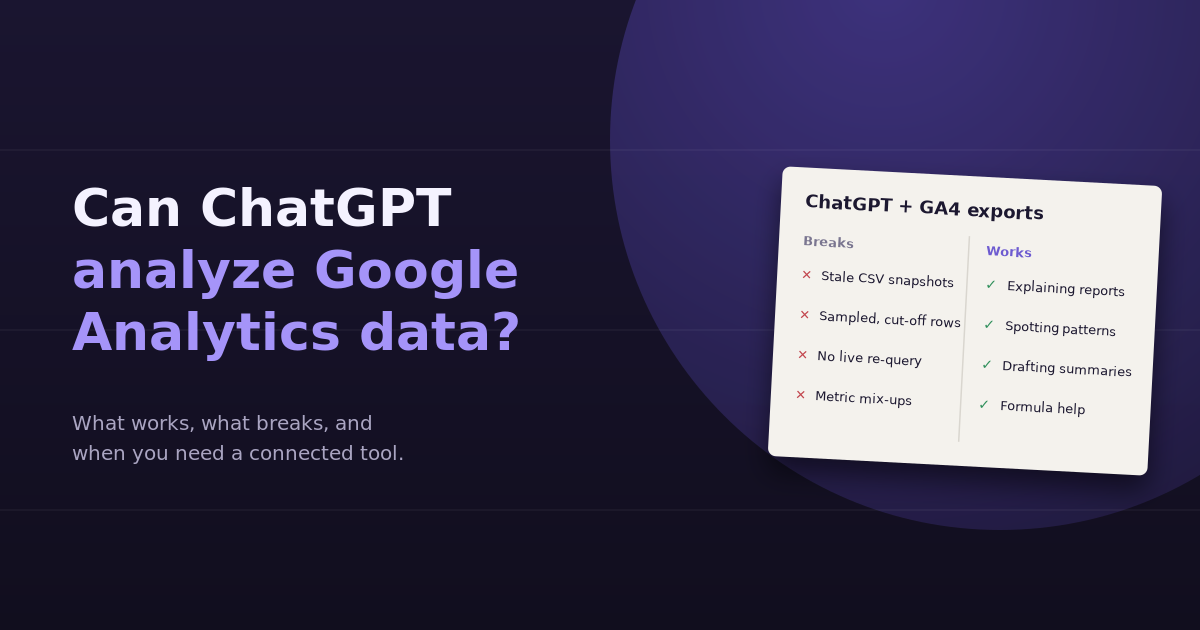
Yes, ChatGPT can analyze Google Analytics data, but how well depends almost entirely on how the data reaches it. Upload a clean export and ask a focused question, and you’ll often get a sharp, useful answer. Paste a screenshot, ask something that needs a different breakdown, or rely on numbers ChatGPT can’t see, and the…
-
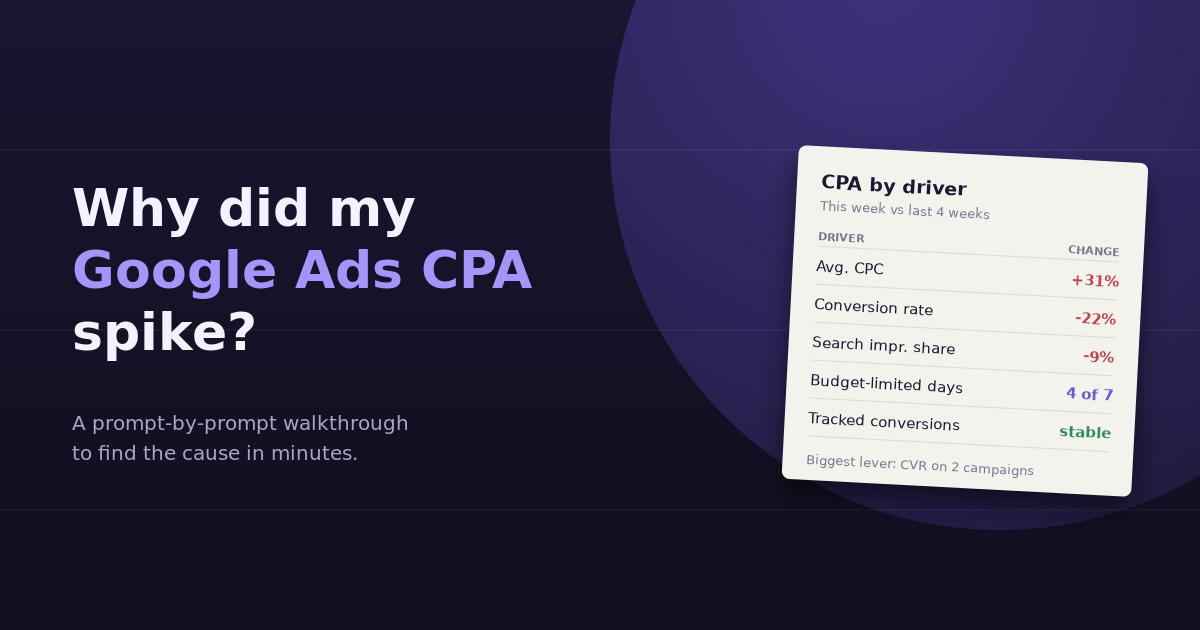
A Google Ads CPA spike rarely has a single cause, and the Google Ads interface doesn’t make it easy to find the one that matters. Cost per acquisition is just cost divided by conversions, so a spike means either you paid more per click, fewer clicks converted, or conversions stopped being counted. Each of those…
-
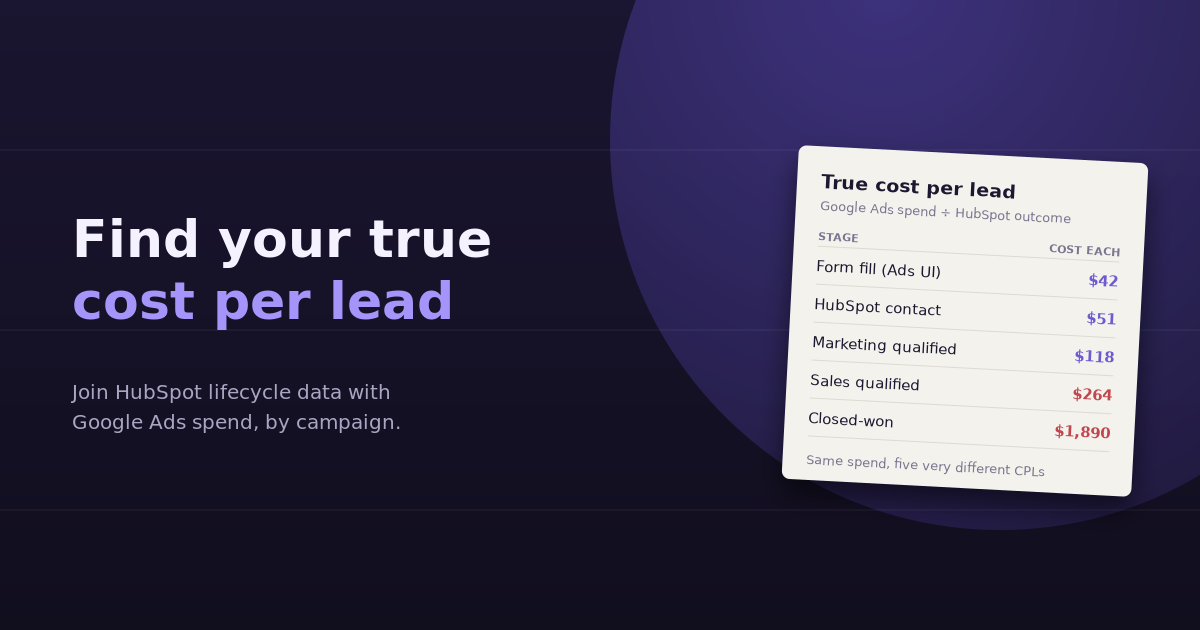
Google Ads will tell you your cost per conversion. It won’t tell you your true cost per lead, because it doesn’t know which of those conversions were duplicates, spam, existing customers, or people who never got anywhere near a sales conversation. HubSpot knows all of that, but it doesn’t know what you paid. Combining the…
-
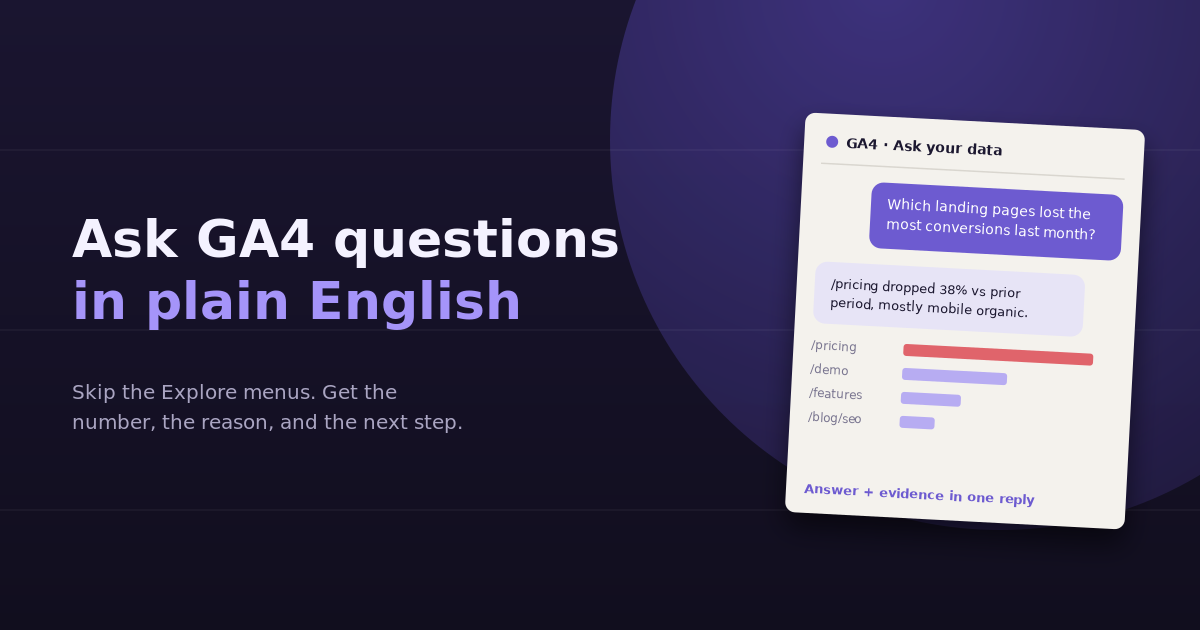
Most people who open GA4 already know the question they want answered. Which pages lost conversions last month? Where did that spike in traffic come from? Why does mobile convert worse than desktop? The hard part is turning that question into the right combination of reports, dimensions, comparisons, and filters. Being able to ask GA4…
-
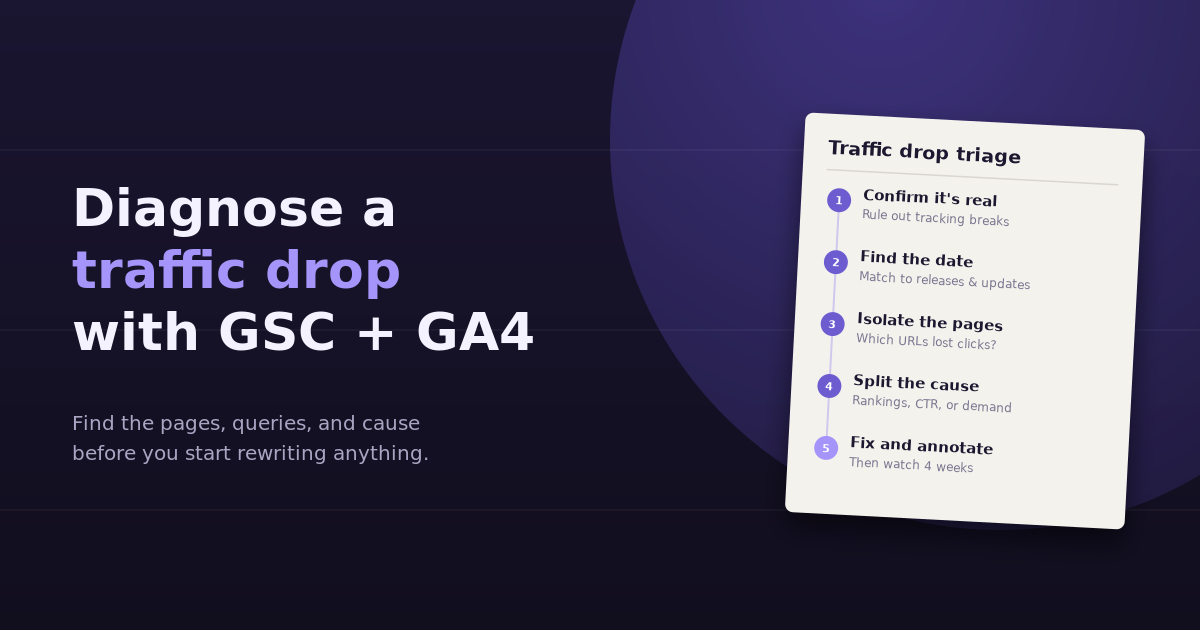
When organic traffic falls, the instinct is to start fixing things: rewrite titles, refresh old posts, build links. That’s usually premature. To diagnose a traffic drop properly, you first need to know whether the drop is real, when exactly it started, which pages and queries it hit, and whether the cause is rankings, click-through rate,…
-
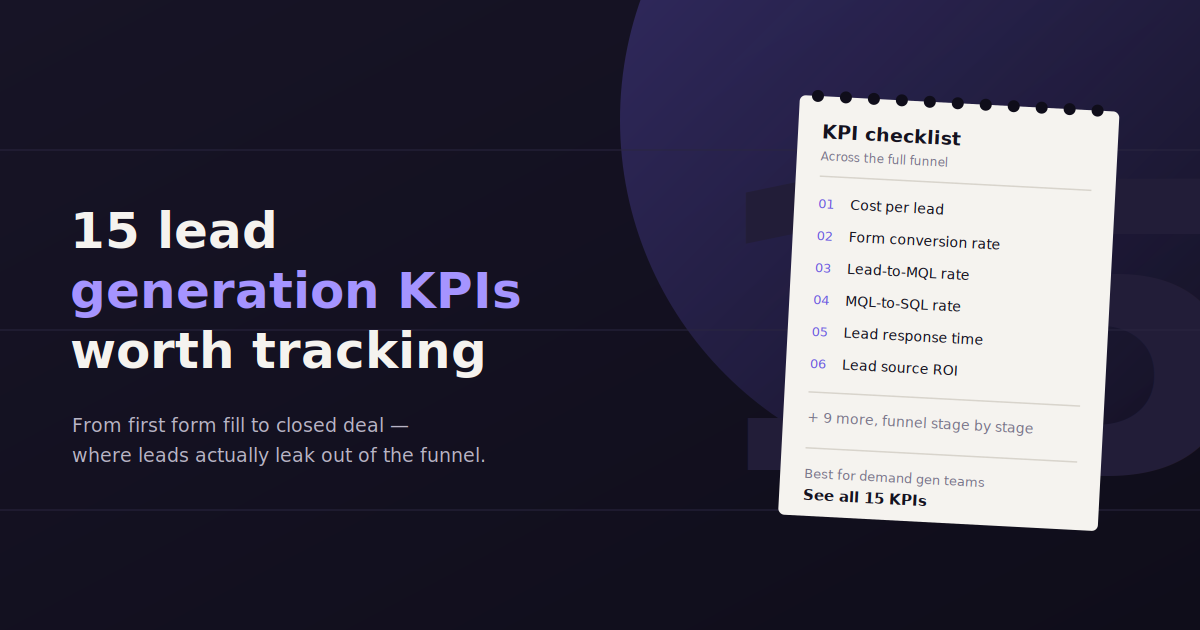
Lead generation KPIs are supposed to tell you whether your pipeline is healthy, but most teams track a handful of vanity numbers — total leads, total impressions — that don’t actually predict revenue. The more useful KPIs sit one layer deeper: conversion rates between stages, cost efficiency by channel, and lead quality signals that show…
-
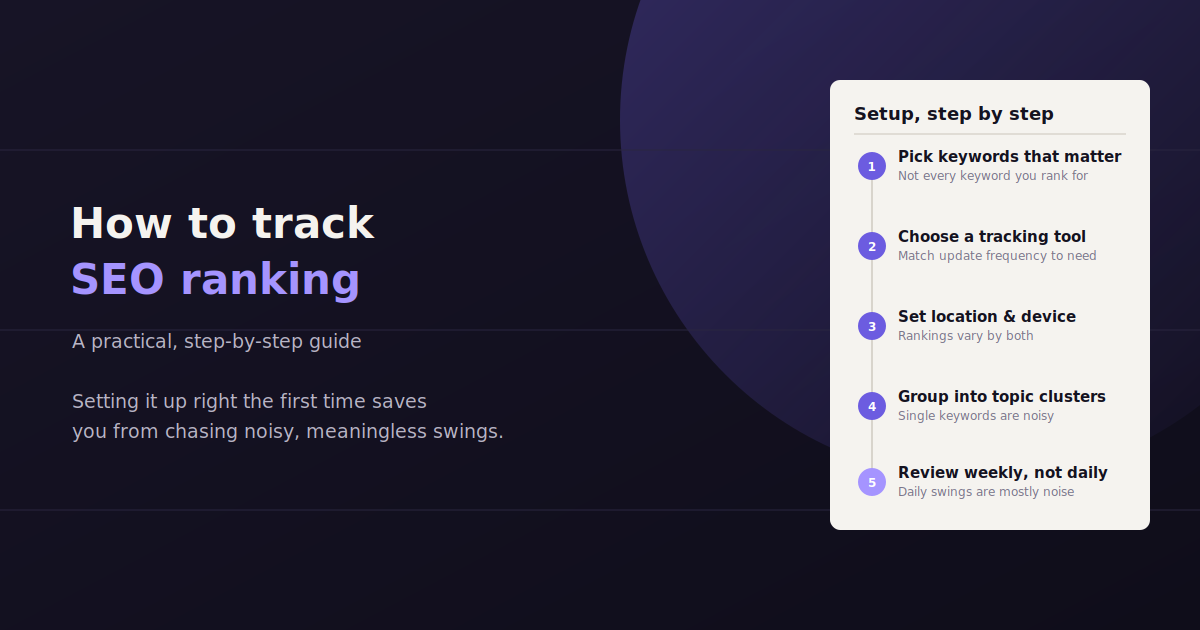
Checking where you rank by searching your keyword in an incognito window feels useful, but it’s one of the least reliable ways to track SEO ranking — your own search history, location, and device all quietly skew what you see. Accurate rank tracking means using a tool that checks positions consistently, from a fixed location…
-
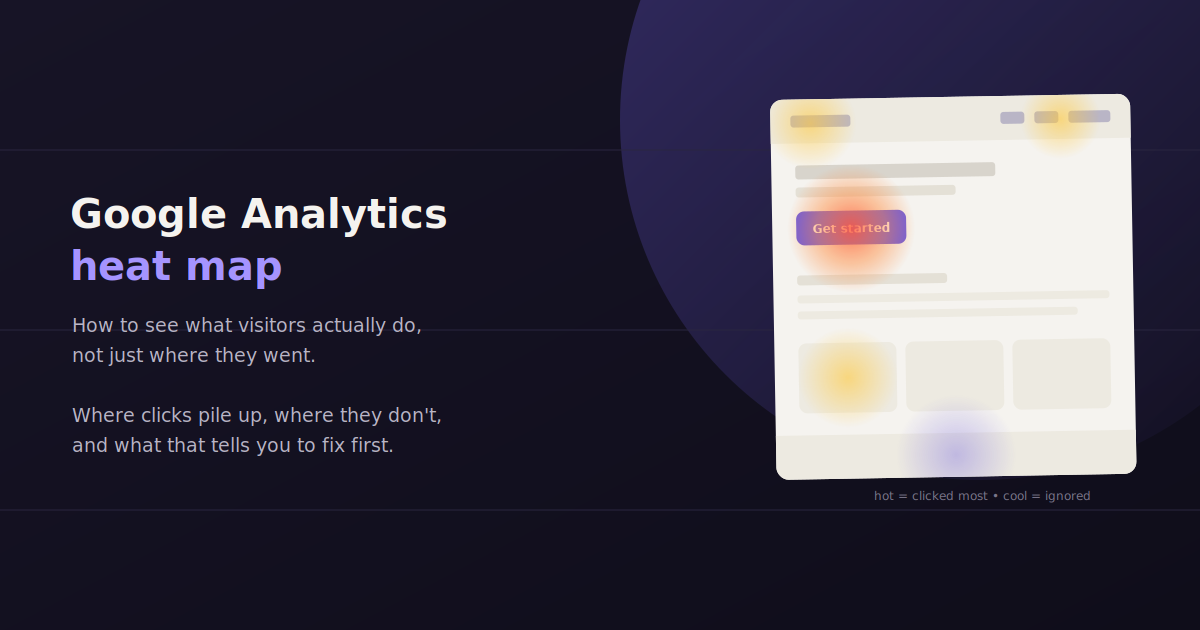
A Google Analytics heat map is one of the more commonly searched features that, strictly speaking, doesn’t exist inside Google Analytics itself. GA4 tells you what happened — sessions, conversions, bounce rate, time on page — but it doesn’t show you where someone’s mouse moved, how far they scrolled, or which button they hovered over…