


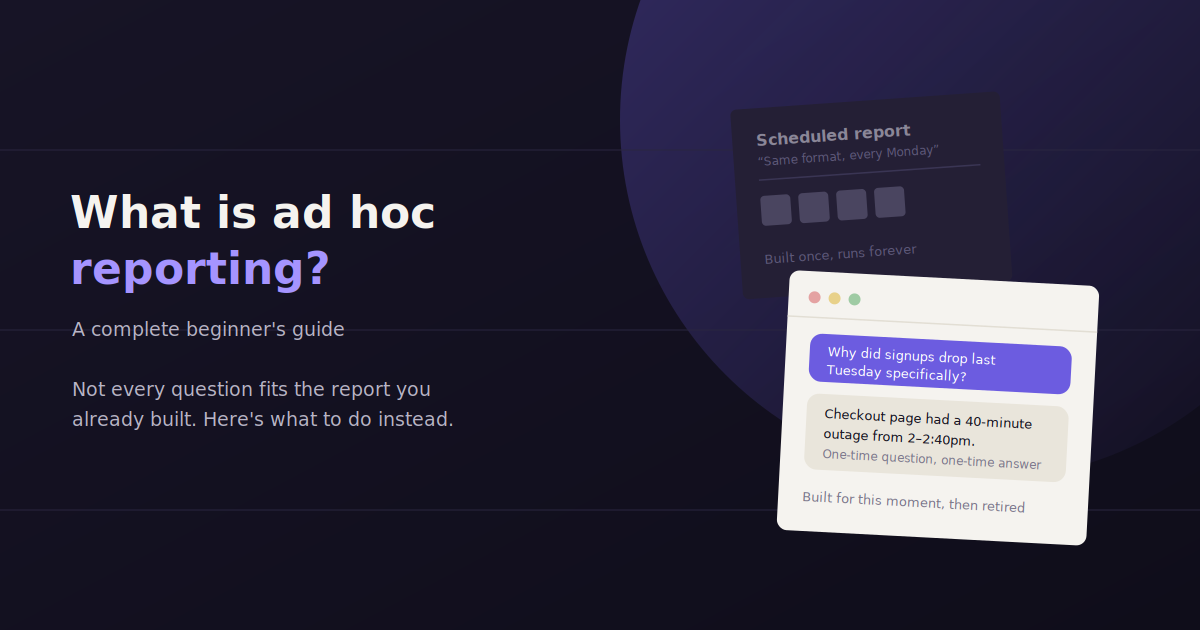
Ad hoc reporting is a one-off report built to answer a specific, unplanned question — as opposed to a scheduled report that runs on a fixed monthly or weekly cadence regardless of what’s actually being asked.
Most marketing teams have a scheduled reporting process, but almost none have a fast, repeatable way to answer the questions that come up between reports — the CEO asking about a competitor spike, a client wondering why one campaign underperformed last Tuesday.
This guide covers what ad hoc reporting actually involves, how it’s different from scheduled reporting, common bottlenecks that slow it down, and how to build a workflow that gets an answer out in minutes rather than days.
Ad Hoc Reporting vs. Scheduled Reporting
Scheduled reporting runs on a fixed cadence and covers a predetermined set of metrics, while ad hoc reporting is built on demand to answer a specific, unplanned question — the two serve different purposes and neither replaces the other.
Neither format replaces the other. Scheduled reports give stakeholders a predictable rhythm and a consistent baseline to compare against over time. Ad hoc reports fill the gaps — the specific, timely questions that a fixed monthly template was never built to answer.
| Scheduled Reporting | Ad Hoc Reporting |
|---|---|
| Trigger: Fixed cadence (weekly, monthly) | Trigger: A specific question or event |
| Scope: Predetermined set of metrics | Scope: Whatever the question requires |
| Format: Consistent template | Format: Varies by need |
| Turnaround expectation: Delivered on schedule | Turnaround expectation: Same day or within hours |
| Best tool fit: Dashboard with saved templates | Best tool fit: Direct query access or conversational tool |
When Ad Hoc Reporting Comes Up
Unexpected performance shifts — a sudden drop or spike that needs an explanation before the next scheduled report.
Leadership questions — a one-off question from an executive that needs a same-day answer, not a wait for the monthly deck.
Client curiosity — a client asking about a specific campaign, competitor, or channel mid-cycle.
Investigating a hypothesis — testing a theory about what’s driving a trend before committing to a strategy change.
Board or investor requests — a specific cut of data needed for a meeting that a standard dashboard wasn’t built to show.
Why Ad Hoc Reporting Is Usually the Slowest Kind
Scheduled reports get faster over time because the template already exists — someone built the layout once and just refreshes the data. Ad hoc requests don’t have that advantage; every question is a fresh build.
The bottleneck is rarely the analysis itself. It’s usually the data-gathering step — logging into four different platforms, exporting CSVs, and manually joining them together before the actual question can even be addressed.
That delay compounds. A question that could be answered in five minutes with the right data access instead takes half a day, and by the time the answer arrives, the moment it was actually useful for has often passed.
How to Build a Faster Ad Hoc Reporting Workflow
Centralize Data Access Before the Question Comes In
The single biggest speed improvement comes from having all your data sources already connected in one place, rather than scrambling to pull a fresh export the moment a question lands.
Tools like Funnel.io and Windsor.ai centralize raw data from ad platforms, CRMs, and analytics tools into one warehouse or connected layer, so an ad hoc question can be answered against data that’s already there.
Keep a Library of Reusable Query Logic
Most ad hoc questions aren’t as unique as they first appear — ‘why did traffic drop’ and ‘why did conversions drop’ pull from largely the same underlying data. Keeping a set of reusable saved queries or report segments means each new question starts from a partial answer, not a blank page.
Set an Internal SLA for Turnaround Time
Treating ad hoc requests as unplanned interruptions leads to inconsistent turnaround times. Setting an internal expectation — same business day for most requests, 48 hours for anything requiring deeper investigation — keeps the process predictable even though the questions themselves aren’t.
Use a Tool That Can Answer Directly
This is where ad hoc reporting benefits most from a fundamentally different kind of tool than scheduled reporting does. A dashboard is optimized for repetition; a conversational query tool is optimized for a question nobody anticipated.
ConvoData is built specifically for this pattern — you connect your data sources once, and any time an unplanned question comes up, you ask it directly in plain English and get an answer pulled live from the connected data, along with a suggested next step. There’s no template to build first, which is the entire point for a question that only comes up once.
Ad Hoc Reporting Mistakes to Avoid
Building a full dashboard for a one-off question. If the question won’t come up again, a quick, direct answer beats an over-engineered permanent report.
Skipping documentation. Even a one-off answer is worth logging somewhere searchable — the same question often resurfaces months later.
Answering without context. A number with no explanation of what caused it just generates a follow-up question, defeating the purpose of a fast turnaround.
Inconsistent data sourcing. Pulling numbers from a different export method than the scheduled report uses can create a discrepancy that undermines trust in both reports.
When to Turn an Ad Hoc Report Into a Scheduled One
If the same ad hoc question comes up three or more times, it’s usually a sign that it belongs in the standard scheduled report instead of being re-answered from scratch every time.
Watch for patterns across ad hoc requests over a quarter — a recurring theme (competitor tracking, a specific channel breakdown) is a strong signal that your scheduled report template has a gap worth closing permanently.
Who Should Own Ad Hoc Reporting on a Marketing Team
On most teams, ad hoc requests land wherever the loudest question shows up — sometimes the media buyer who ran the campaign, sometimes the analyst, sometimes whoever happens to be free. That default routing is a big part of why turnaround times are so inconsistent from one request to the next.
It works better to name one person, or a small rotating group, as the first point of contact for unplanned data questions. That person doesn’t need to be the most senior analyst on the team — they need direct access to the connected data and the authority to give a same-day answer without routing the request through three layers of approval first.
Agencies handling this across multiple clients often assign it per account rather than per person, so whoever owns the client relationship is also the one who can answer a same-day question about that client’s data without pulling in someone else’s calendar.
Small in-house team (1-3 marketers): whoever manages the channel in question answers directly, using shared dashboard access.
Growing team (4-10 marketers): one designated analyst or ops lead owns intake, triages by urgency, and answers or delegates within the SLA.
Agency serving multiple clients: the account lead answers for their own clients directly, escalating only requests that need cross-client benchmarking.
A Worked Example: Answering a Same-Day Spike Question
Say a client emails Tuesday morning asking why their cost per lead jumped 40% over the weekend. In a slow ad hoc workflow, this triggers logging into the ad platform, exporting a CSV, cross-referencing it against a separate analytics export, and building a quick chart in a spreadsheet — often a two-to-three-hour detour from whatever else was planned for the day.
A faster version of the same request looks different. Because the ad account, analytics, and CRM are already connected in one place, the question becomes something you can just ask: ‘why did cost per lead increase this weekend compared to last weekend?’ The answer comes back showing that a top-performing ad set was auto-paused Friday night after hitting a frequency cap, shifting spend into a weaker audience segment for the rest of the weekend.
The follow-up question — what to do about it — matters as much as the diagnosis. A tool that only reports the number back leaves you to figure out the fix yourself. A tool that pairs the answer with a suggested next step (reallocate budget back to the original ad set, raise the frequency cap, or add a backup audience) turns a same-day report into a same-day fix.
Ad Hoc Query Types Worth Keeping on Hand
Even though ad hoc questions feel unpredictable, most of them fall into a handful of recurring shapes. Keeping a mental (or literal) list of these speeds up triage, because you already know roughly where to look before you even open a tool.
Anomaly explanation — ‘why did metric X change on date Y’ — usually resolved by comparing the period against the same window a week or month earlier, then checking for platform-level changes (paused campaigns, budget caps, algorithm updates).
Channel or campaign comparison — ‘how is channel A doing versus channel B this month’ — a straightforward pull as long as both channels are normalized to the same metrics and date range.
Competitive or market context — ‘did something happen industry-wide’ — harder to answer from your own data alone, but worth checking your own trend first before assuming it’s external.
Attribution questions — ‘what actually drove this batch of conversions’ — often the slowest to answer well, since it requires looking across the full funnel rather than one platform’s self-reported numbers.
Forecast or pacing checks — ‘are we on track to hit the monthly target’ — a quick extrapolation from current pacing against the goal, best answered with the same data feeding the scheduled report.
If ad hoc pulls are becoming the norm rather than the exception, it might be time for a standing report — see our guide to building web analytics reports. And if the manual pulling itself is the bottleneck, these marketing analytics tools are worth a look for cutting that time down. For the fuller picture of where ad hoc fits among other reporting styles, see our breakdown of the different types of business and marketing reporting.
Frequently Asked Questions
What is the difference between ad hoc reporting and standard reporting?
Standard (scheduled) reporting runs on a fixed cadence with a predetermined set of metrics. Ad hoc reporting is built on demand to answer a specific, unplanned question, with scope and format varying based on what the question actually requires.
Why does ad hoc reporting usually take longer than scheduled reporting?
Scheduled reports reuse an existing template, so only the data needs refreshing. Ad hoc requests typically require gathering and joining data from scratch each time, which is usually the actual bottleneck rather than the analysis itself.
How can marketing teams speed up ad hoc reporting?
Centralizing data access ahead of time, keeping a library of reusable query logic, setting an internal turnaround SLA, and using a tool that can answer questions directly rather than requiring a new dashboard build all meaningfully speed up ad hoc reporting.
Should every ad hoc question get its own dashboard?
No. Building a full dashboard for a question that likely won't recur is usually wasted effort. A direct, one-off answer is more efficient unless the same question starts coming up repeatedly, at which point it's worth adding to the standard scheduled report.
What tools are best suited for ad hoc reporting?
Tools that provide direct, flexible query access to already-connected data work best, since ad hoc questions rarely fit a pre-built dashboard. Conversational tools like ConvoData are built specifically for this pattern, returning an answer to a plain-English question without requiring a new report to be designed first.
How do I know when an ad hoc report should become a scheduled one?
If the same or a similar question comes up three or more times, it's a strong signal that it belongs in your standard scheduled report rather than being rebuilt from scratch each time it's asked.
Who should be responsible for answering ad hoc reporting requests?
Whoever has the fastest access to the connected data and the authority to respond without extra approval layers — often the channel owner on a small team, a designated analyst on a larger one, or the account lead at an agency. Naming a clear owner is what actually makes turnaround times consistent.
Next time a question lands out of nowhere, skip the dashboard build. Ask ConvoData directly and get a live answer plus a next step — plans start at $39/month.